












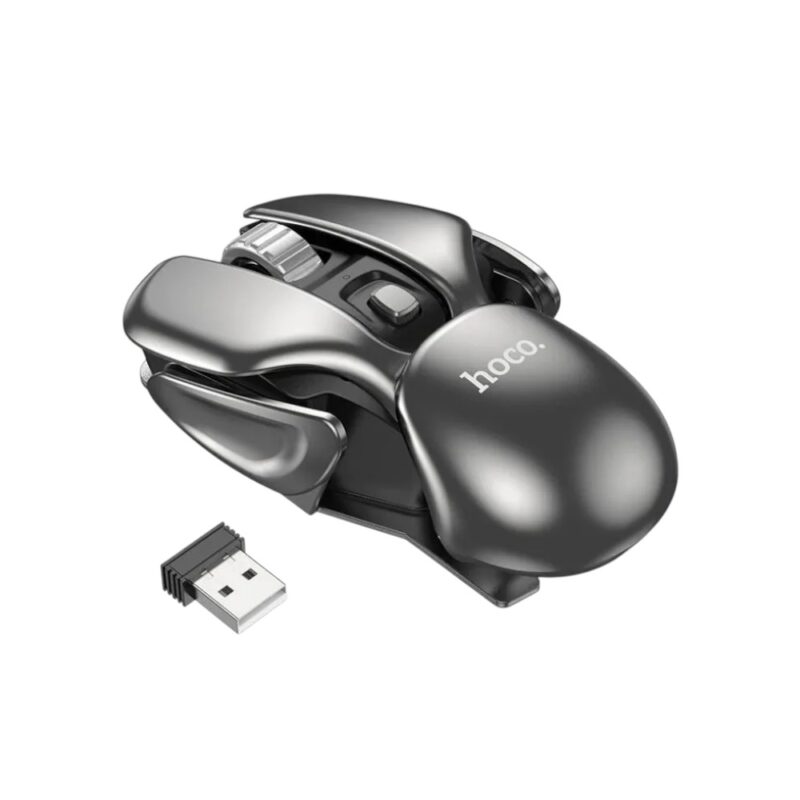
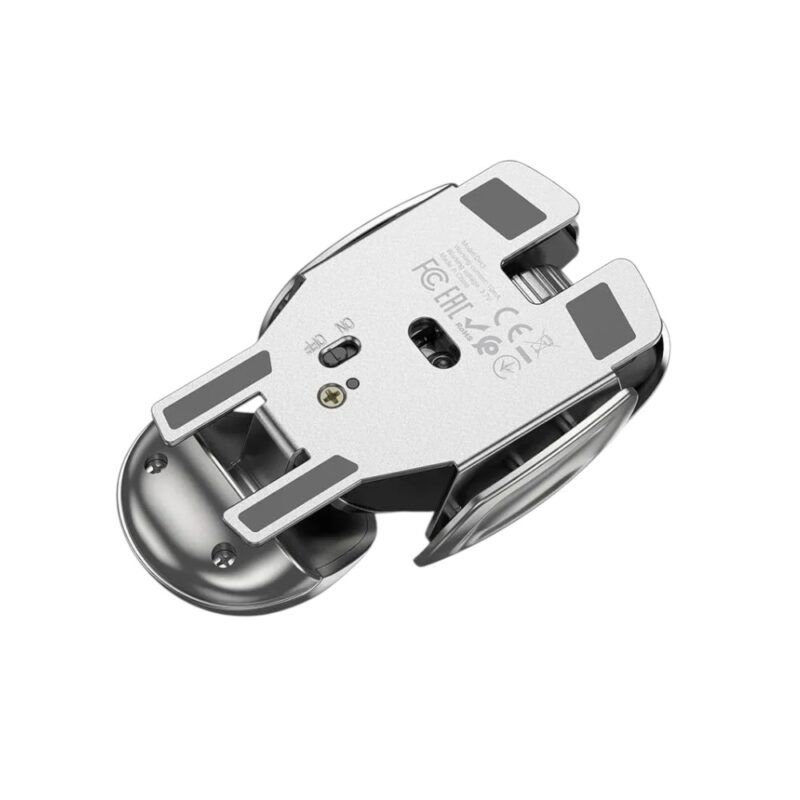
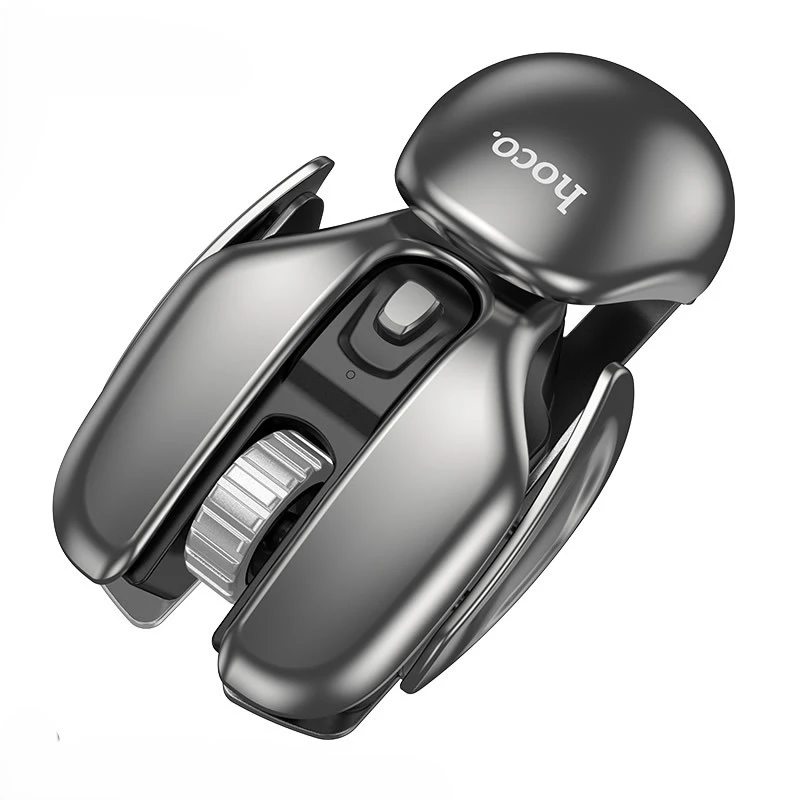
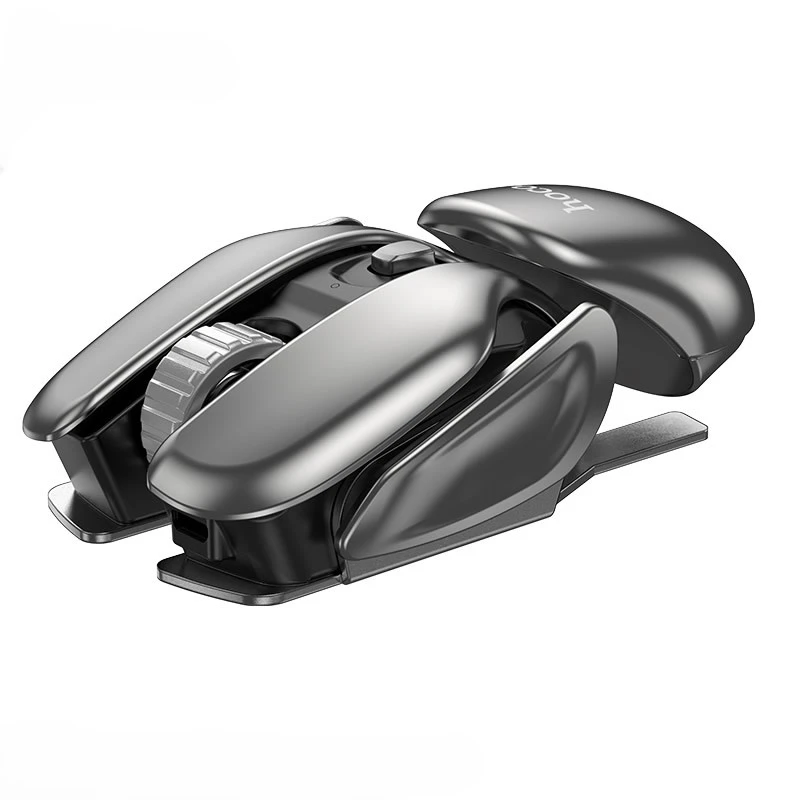
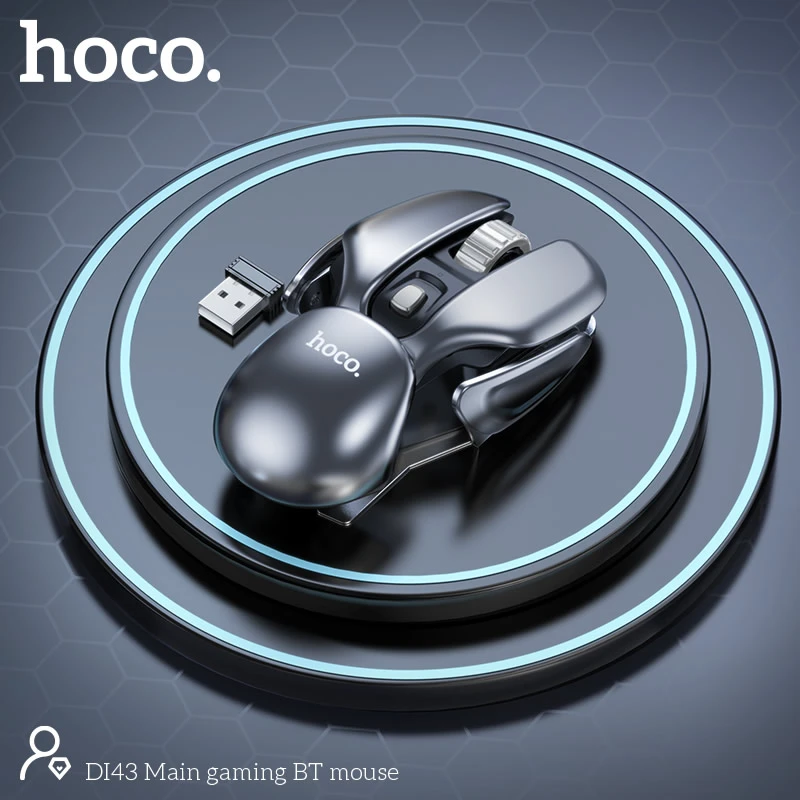
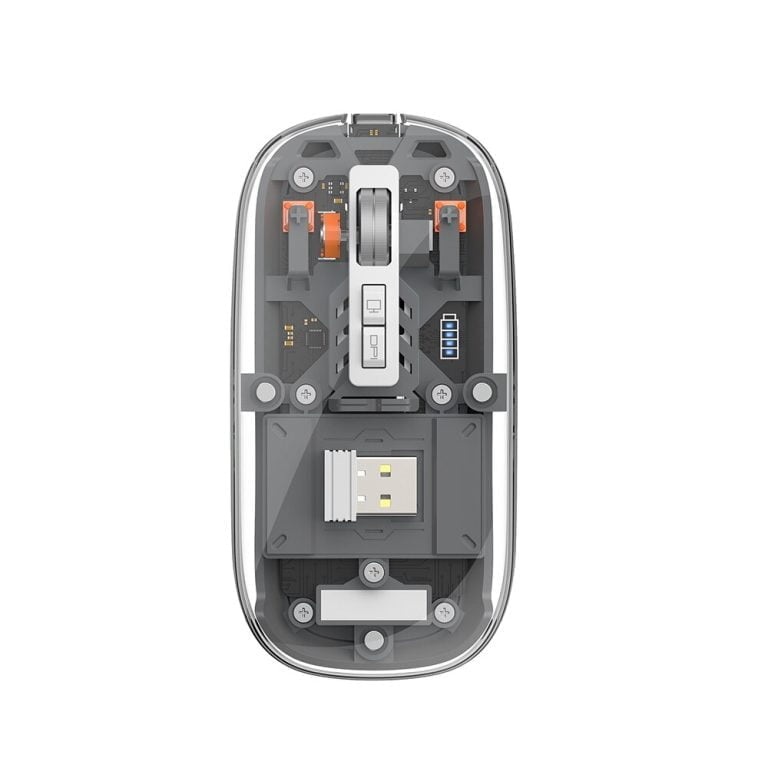
Hoco DI43 Robot 2.4G Wireless Gaming Mouse
★ ফেইক অর্ডার প্রতিরোধ ও সঠিক সার্ভিস নিশ্চিত করতে আমরা শুধুমাত্র ডেলিভারি চার্জ অগ্রিম গ্রহণ করি। ঢাকার ভিতরে ৬০ টাকা এবং বাইরে ১০০ টাকা।
★ 01799-974343 (বিকাশ + নগদ) নাম্বারে ডেলিভারি চার্জ Send Money করে স্ক্রিনশট আমাদের WhatsApp অথবা Facebook Page-এ পাঠান। What's app :- 01799-974343



-

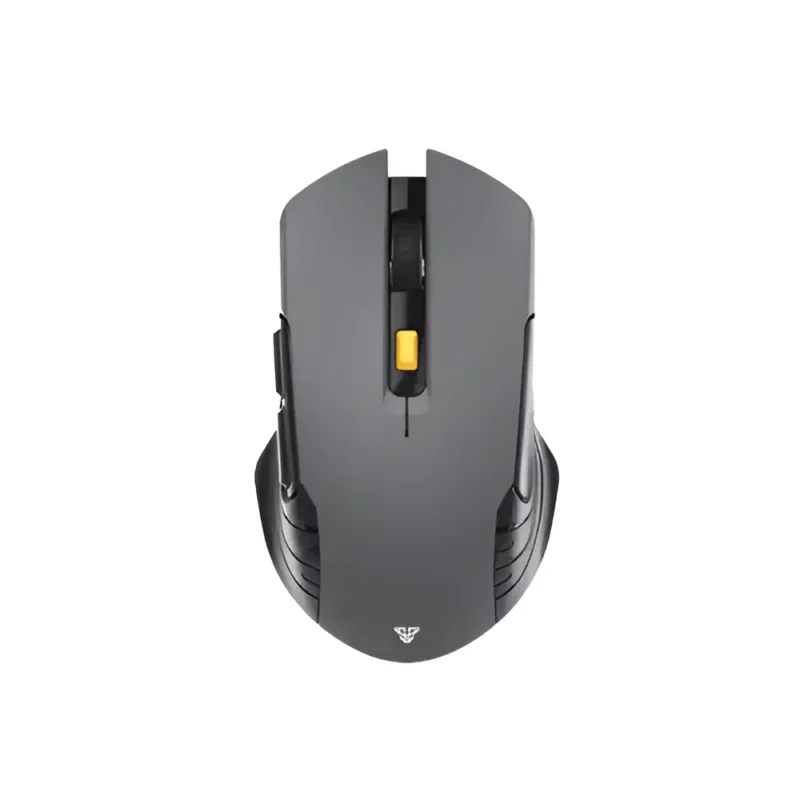
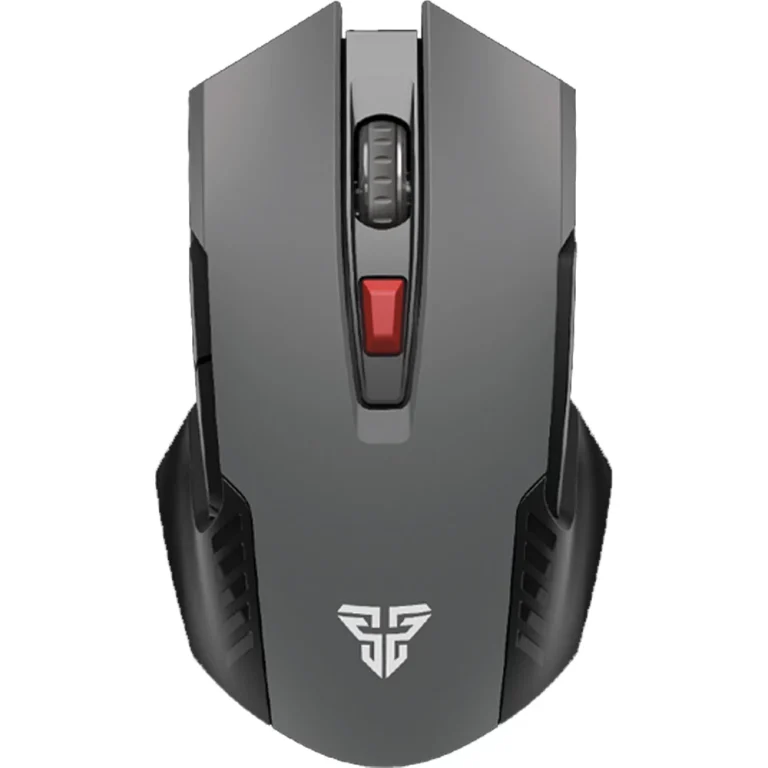
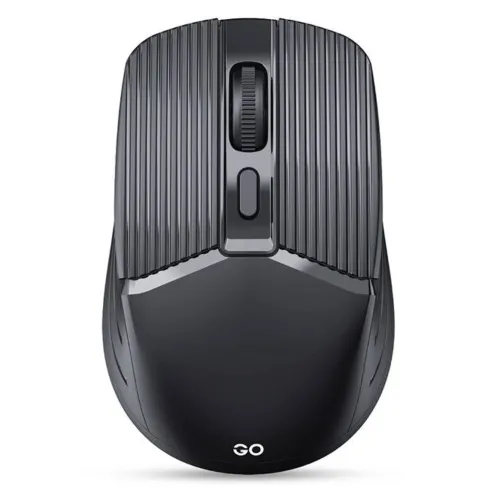
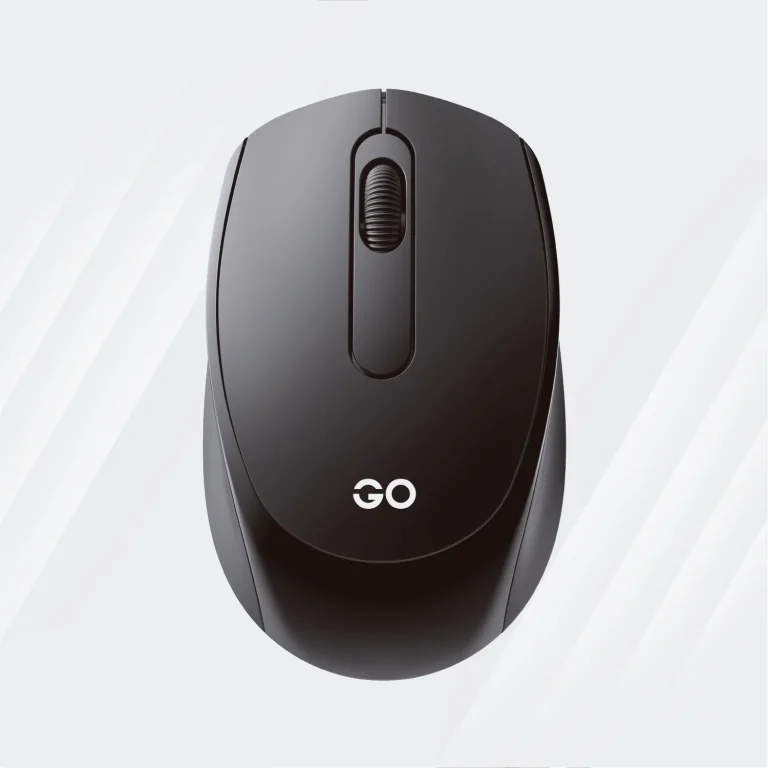
Fantech Go W605 Wireless Mouse
৳580.00 -
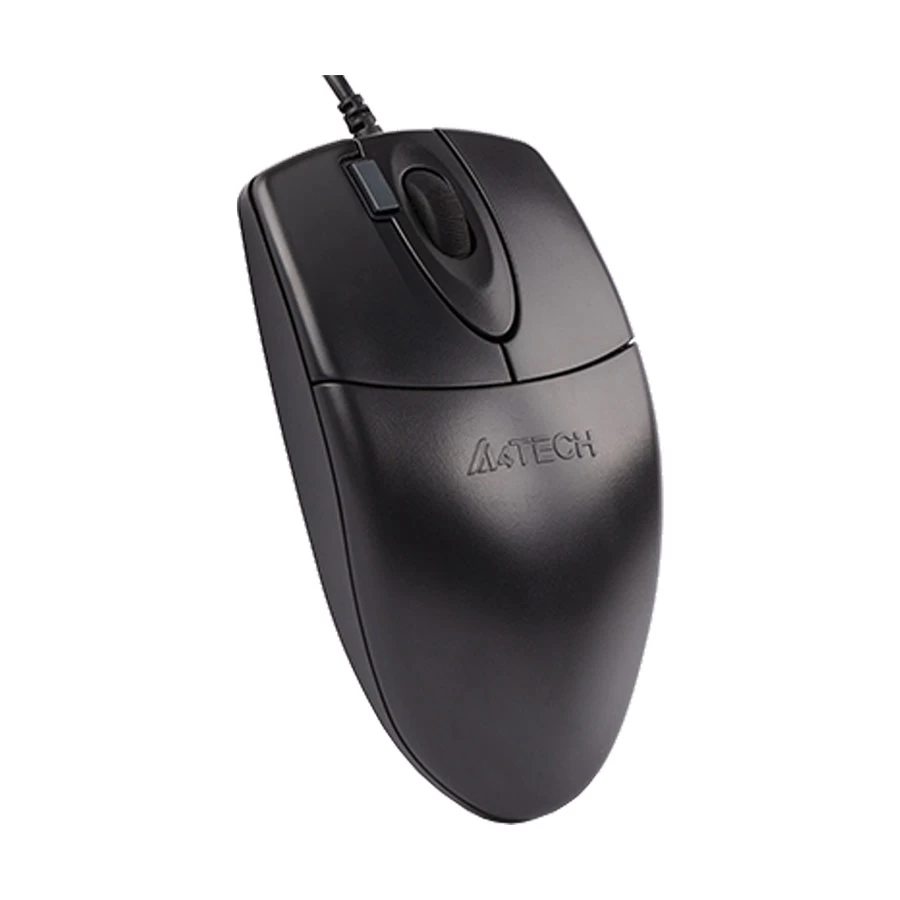
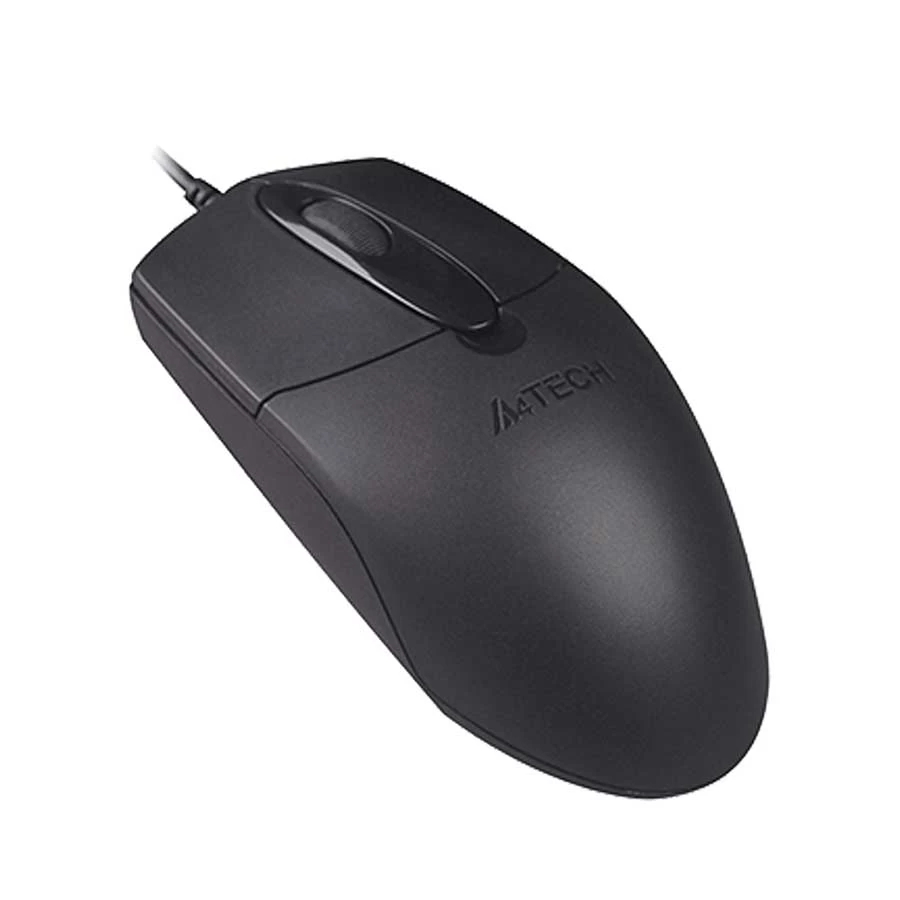
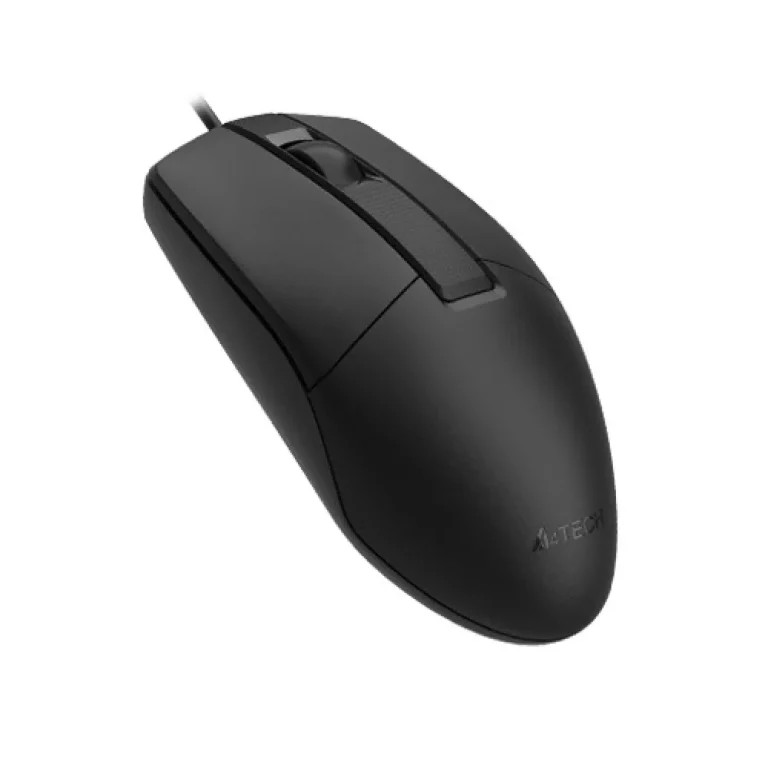
A4TECH OP-330 USB Wired Mouse
৳425.00
-
Kemei KM-2273 Professional Hair Clipper
৳1,300.00 -
Sonic X3 electric toothbrush
৳999.00 -
Ring Fill Light BD 460D 46cm
৳2,200.00 -
Nose hair trimmer
৳1,120.00


Hoco DI43 Robot 2.4G Wireless Gaming Mouse in Bangladesh
Get The Hoco DI43 Robot 2.4G Wireless Gaming Mouse in Bangladesh at koddax Enjoy top quality and unbeatable prices with the best customer service in Bangladesh
-Brand: Hoco
-Model: DI43
-Connectivity: 2.4G Wireless (USB Receiver)
-Battery Life: Up to 30 Hours
-Key Durability: 5 Million Clicks (Mute Keys)
-DPI Settings: 800 / 1200 / 1600
-7 Days Warranty (If there are any Manufacturing Defects)
Features
- Ergonomic right-handed design with non-slip grip for comfortable handling during long sessions
- Advanced PAW3065 optical sensor for high-accuracy tracking on diverse surfaces
- 2.4G wireless technology for stable, low-latency connection without interference
- Rechargeable 300mAh battery supporting 30 hours of uninterrupted gameplay
- Silent micro-switches with 5 million click lifespan for noise-free precision
- Adjustable DPI levels (800/1200/1600) for versatile sensitivity options
- Compact dimensions (111x65x34mm) and featherlight 85g weight for portability
- Robust ABS and aluminum alloy materials for impact resistance and premium feel
Specifications
- Brand: Hoco
- Model : DI43
- Material: ABS + Aluminum Alloy
- Dimensions: 111 x 65 x 34 mm
- Weight: 85 g
- Sensor: PAW3065 Optical Sensor with Huge World Tracking
- Connectivity: 2.4G Wireless (USB Receiver)
- Battery Capacity: 300 mAh (Rechargeable)
- Battery Life: Up to 30 Hours
- Key Durability: 5 Million Clicks (Mute Keys)
- DPI Settings: 800 / 1200 / 1600
- Buttons: 6 Programmable (Left, Right, Scroll Wheel, DPI Switch, Forward, Backward)
- Compatibility: Windows, macOS, Linux (Plug-and-Play)
How It Works
-Insert the included 2.4G USB receiver into your computer’s USB port for instant wireless pairing—no software installation required.
-Power on the mouse by sliding the switch to the “ON” position; the built-in LED indicator confirms connection status.
-Adjust DPI levels using the dedicated side button to switch between 800, 1200, or 1600 for optimal sensitivity based on your game or task.
-Recharge via the micro-USB port when the battery indicator flashes low; full charge takes approximately 2 hours for 30 hours of use.
-The PAW3065 sensor automatically tracks movement on most surfaces, while mute keys register clicks silently for distraction-free operation.
Hoco DI43 Robot 2.4G Wireless Gaming Mouse in Bangladesh
Get The Hoco DI43 Robot 2.4G Wireless Gaming Mouse in Bangladesh at koddax Enjoy top quality and unbeatable prices with the best customer service in Bangladesh
-Brand: Hoco
-Model: DI43
-Connectivity: 2.4G Wireless (USB Receiver)
-Battery Life: Up to 30 Hours
-Key Durability: 5 Million Clicks (Mute Keys)
-DPI Settings: 800 / 1200 / 1600
-7 Days Warranty (If there are any Manufacturing Defects)
Features
- Ergonomic right-handed design with non-slip grip for comfortable handling during long sessions
- Advanced PAW3065 optical sensor for high-accuracy tracking on diverse surfaces
- 2.4G wireless technology for stable, low-latency connection without interference
- Rechargeable 300mAh battery supporting 30 hours of uninterrupted gameplay
- Silent micro-switches with 5 million click lifespan for noise-free precision
- Adjustable DPI levels (800/1200/1600) for versatile sensitivity options
- Compact dimensions (111x65x34mm) and featherlight 85g weight for portability
- Robust ABS and aluminum alloy materials for impact resistance and premium feel
Specifications
- Brand: Hoco
- Model : DI43
- Material: ABS + Aluminum Alloy
- Dimensions: 111 x 65 x 34 mm
- Weight: 85 g
- Sensor: PAW3065 Optical Sensor with Huge World Tracking
- Connectivity: 2.4G Wireless (USB Receiver)
- Battery Capacity: 300 mAh (Rechargeable)
- Battery Life: Up to 30 Hours
- Key Durability: 5 Million Clicks (Mute Keys)
- DPI Settings: 800 / 1200 / 1600
- Buttons: 6 Programmable (Left, Right, Scroll Wheel, DPI Switch, Forward, Backward)
- Compatibility: Windows, macOS, Linux (Plug-and-Play)
How It Works
-Insert the included 2.4G USB receiver into your computer’s USB port for instant wireless pairing—no software installation required.
-Power on the mouse by sliding the switch to the “ON” position; the built-in LED indicator confirms connection status.
-Adjust DPI levels using the dedicated side button to switch between 800, 1200, or 1600 for optimal sensitivity based on your game or task.
-Recharge via the micro-USB port when the battery indicator flashes low; full charge takes approximately 2 hours for 30 hours of use.
-The PAW3065 sensor automatically tracks movement on most surfaces, while mute keys register clicks silently for distraction-free operation.
Top Selling Products
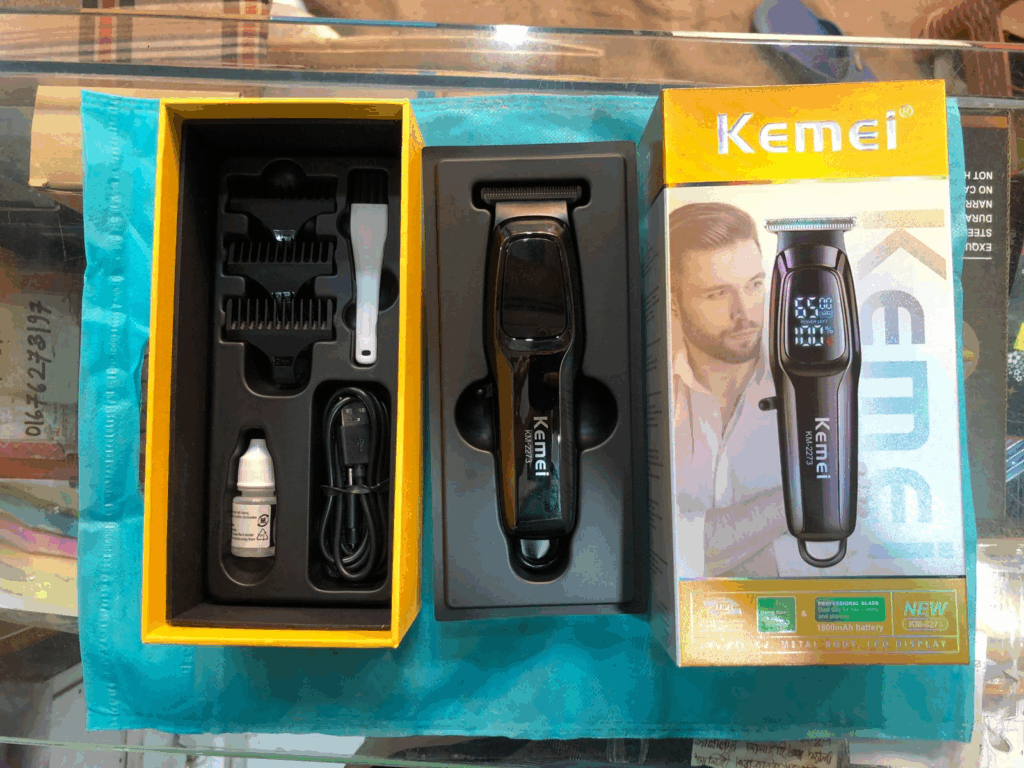
Kemei KM-2273 Professional Hair Clipper
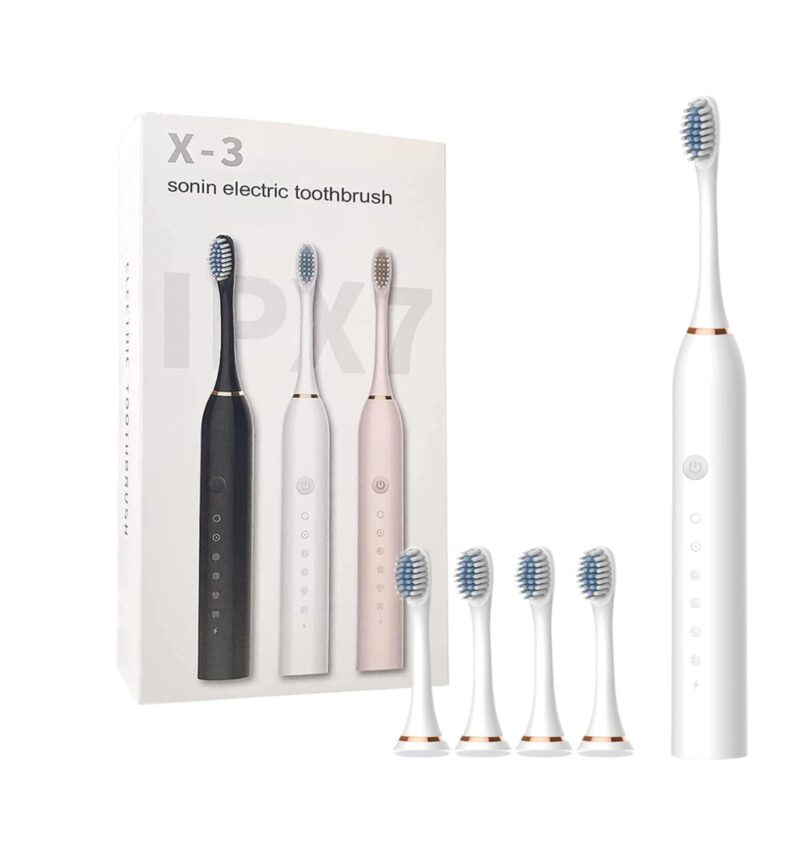
Sonic X3 electric toothbrush
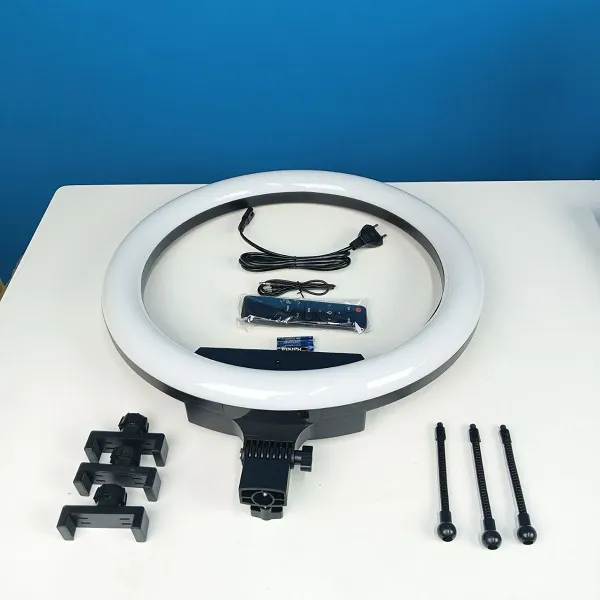
Ring Fill Light BD 460D 46cm
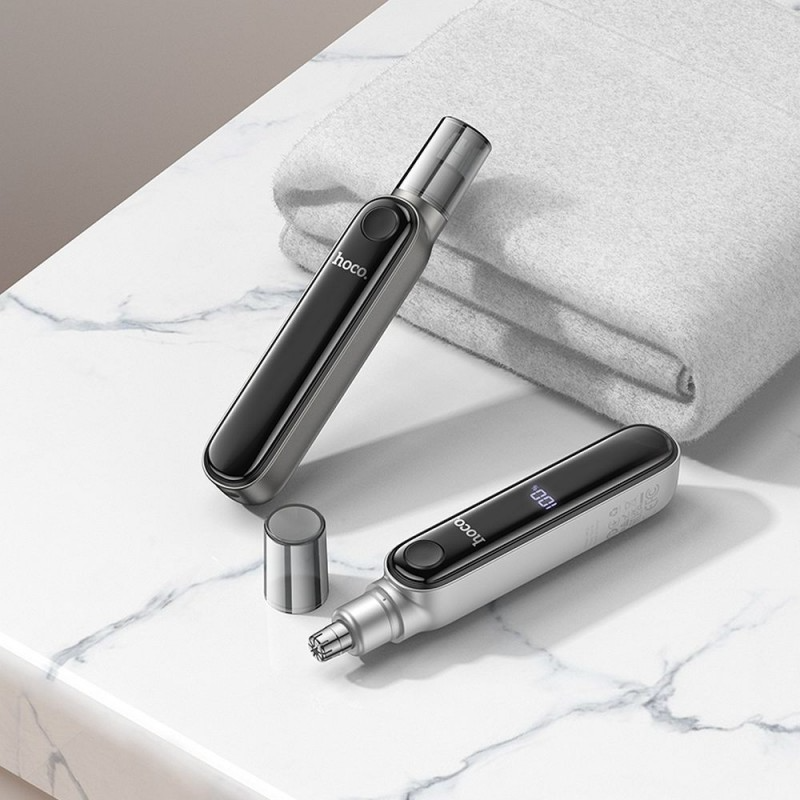
Nose hair trimmer
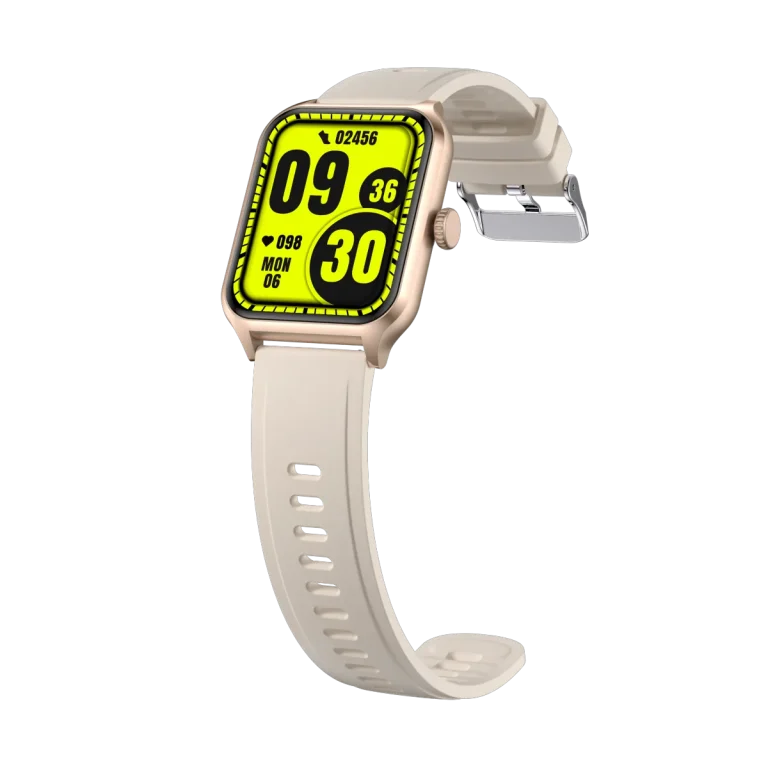
T97 Bluetooth Calling Smartwatch

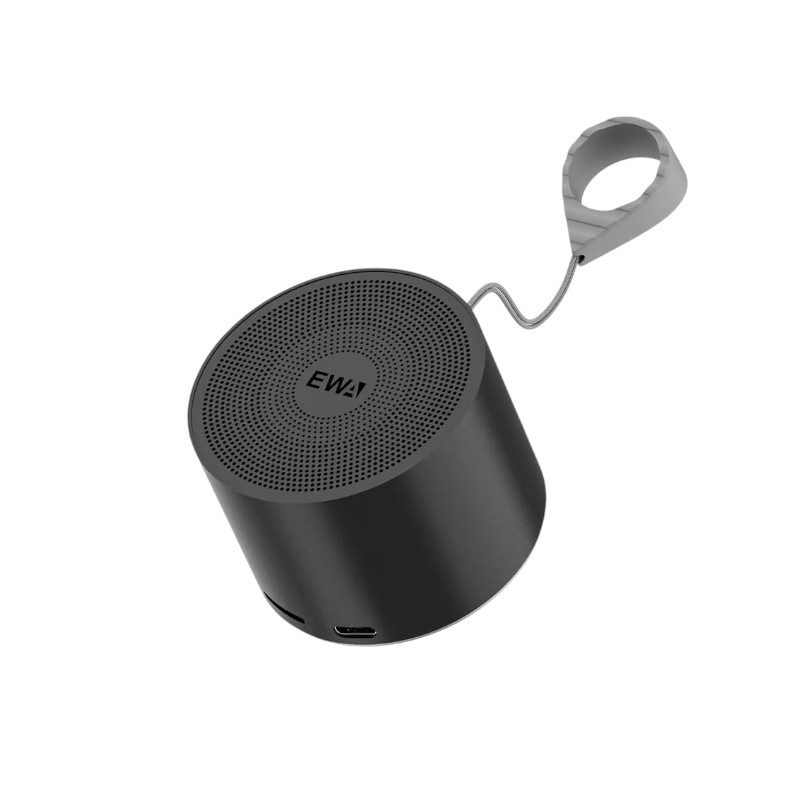
EWA A129 Metal Mini Bluetooth Speaker



Official owner of sub-brands GadgetsQ and ANxshop.



Contact Info
- Address: Dhaka, Badda north
- Phone: 01333-068663 What's App: 01799-974343
- Email: support@koddax.com
My Account
Be A Seller
Apply Now
Official owner of sub-brands GadgetsQ and ANxshop.
Contact Info
- Address: Dhaka, Badda north
- Phone: 01333-068663 What's App: 01799-974343
- Email: support@koddax.com